
If your IGET won't charge, the cause is usually a cable, port, or power-source problem rather than a dead battery. Work through the simple checks below before assuming the device has reached the end of its life — the fault is usually found in the first few steps.
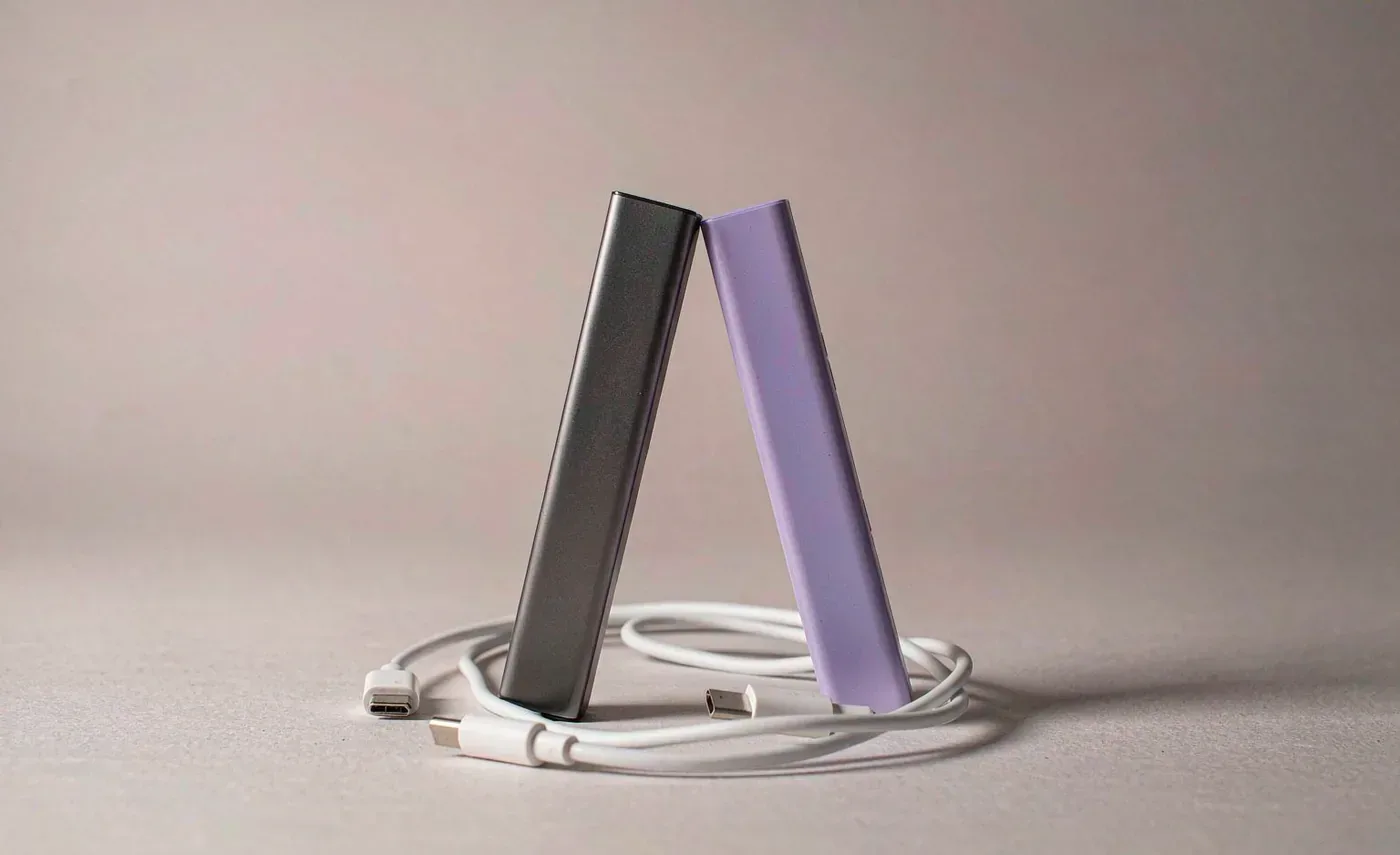
Two devices and a USB-C cable: most charging faults live in the cable or port, not the battery itself.
Both the IGET One 12000 and the IGET Bar Pro 10000 charge through a USB-C port, so the same cable logic that applies to a phone applies here. This guide walks through the checks in order, from the most common cause to the least.
Start with the cable and power source
- Try a different USB-C cable. Cables fail far more often than devices, and many look fine from the outside while the conductors inside have snapped. This is the single most common reason an IGET will not charge.
- Swap the power source. Move from a laptop port to a wall adapter, or the reverse. Some older USB-A ports deliver too little current to register on the device at all.
- Leave it connected for ten full minutes. A deeply discharged battery can sit apparently lifeless for several minutes before the charging indicator responds.
Inspect the charging port itself
The USB-C port at the base of the device collects pocket lint, dust, and fibres over weeks of use. Compacted debris prevents the connector from seating fully, so no current flows even though everything looks connected.
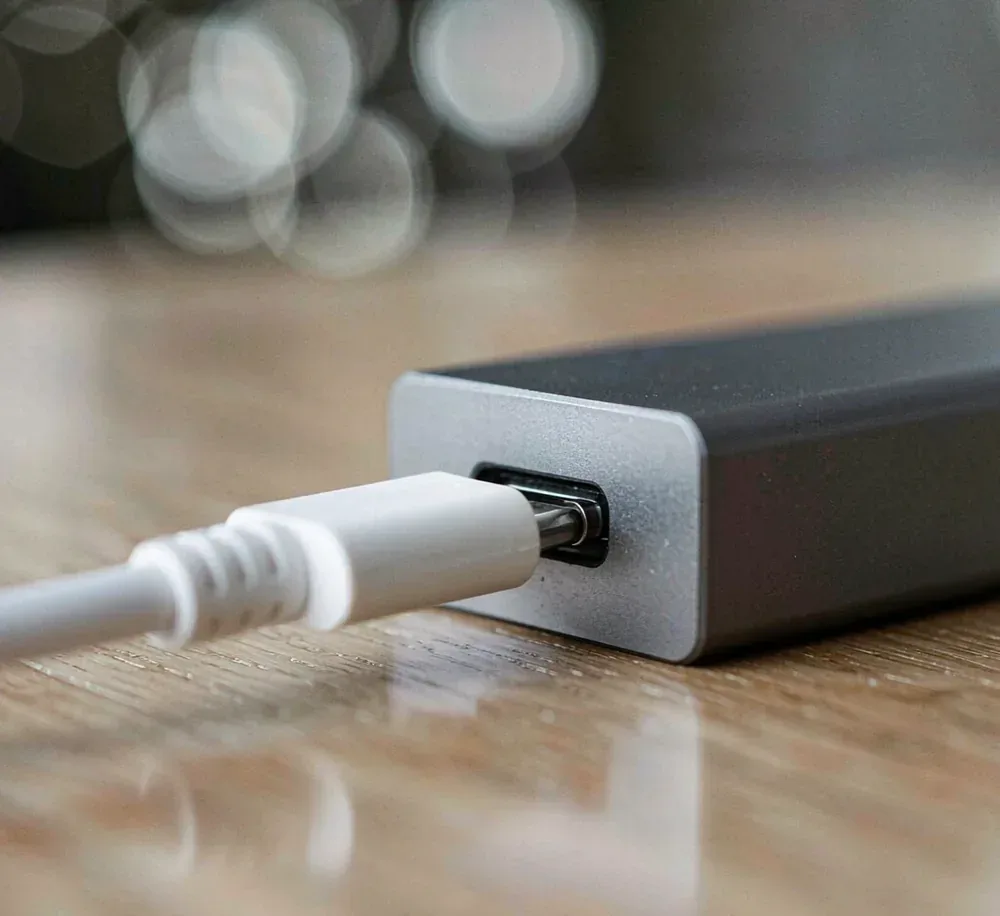
A connector that cannot seat fully cannot charge: lint at the port is a quietly common culprit.
Check the port under good light. If you can see compacted debris, clear it gently with a wooden or plastic toothpick — never anything metal — while the device is unplugged. Then reconnect the cable and confirm it clicks in firmly rather than resting loosely. A connection that only works at a specific cable angle usually means debris rather than a broken port.
Tell charging faults from battery faults
It helps to separate the two failure modes. If the indicator light responds in any way while plugged in — blinking, pulsing, or glowing briefly before cutting out — the device is detecting power, which points back to the battery or its protection circuit rather than the cable. Our explainer on what a blinking light on an IGET means covers each pattern. A device that shows no response with two different cables and two different power sources is more likely at the end of its usable life.
Battery behaviour also changes with age and temperature. A unit that drains faster than it used to, or one left in a hot car, may charge slowly or refuse to charge while warm — our article on hot weather and vape batteries explains why, and how low charge affects performance.
Charging habits that keep the battery healthy
- Charge at room temperature. Let a device that has been in the sun or a parked car cool down before plugging it in.
- Use a standard 5V adapter. Fast-charge bricks negotiate higher voltages that small cells are not designed to accept.
- Do not top up in short bursts all day. Fewer, complete charge cycles are gentler on the cell over the device's life.
These habits matter: a device charged and stored well lasts closer to its rated capacity, as our guide to how long a disposable vape lasts sets out.
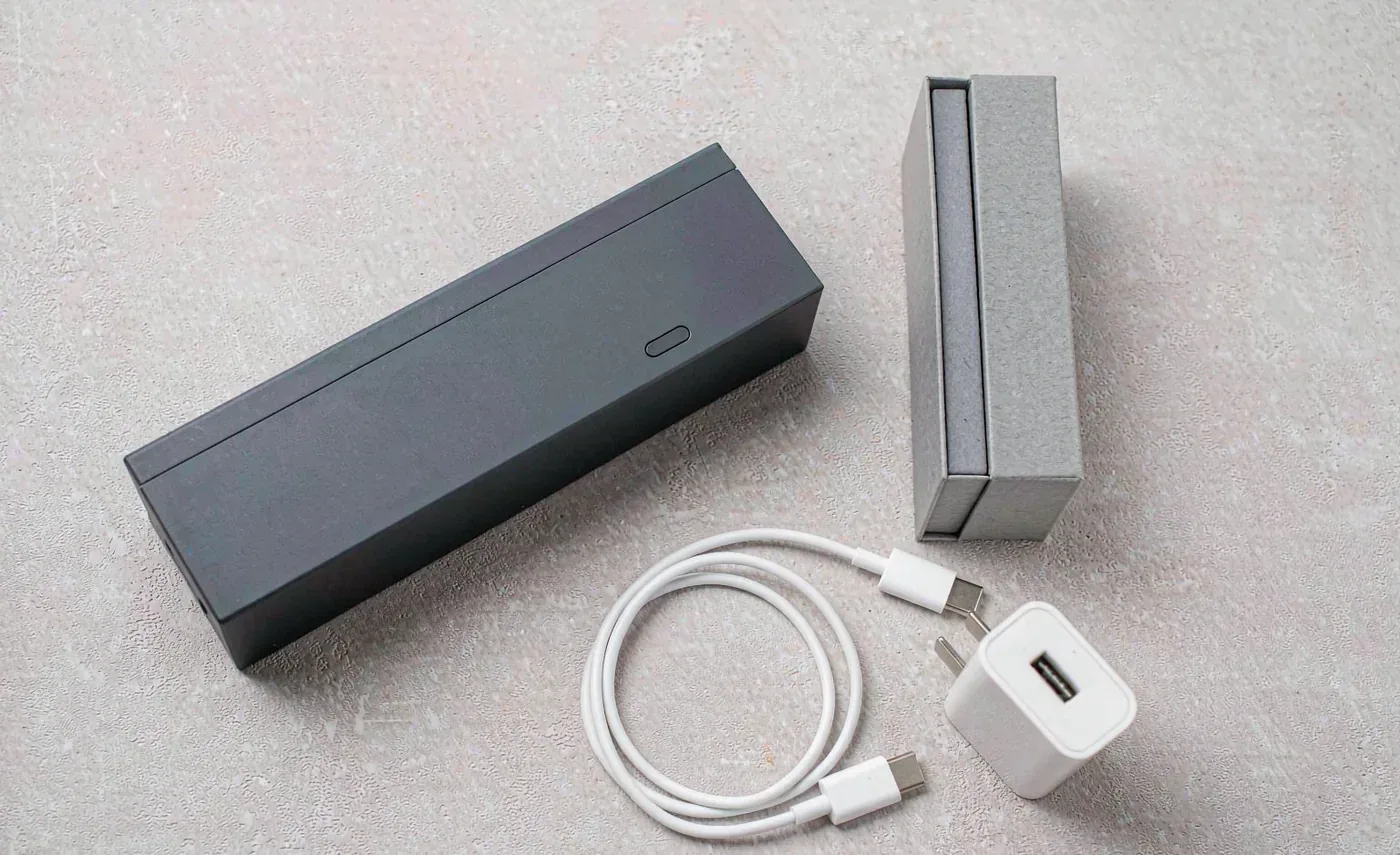
A tidy charging setup: a standard 5V wall adapter, a good-quality cable, and the device cool and dry before plugging in.
When to stop trying
If the device fails the full checklist — two cables, two power sources, a visibly clean port, and a patient ten-minute wait — the internal battery or circuit has likely failed, and no external fix will revive it. Charging faults near the end of a device's life are expected wear, not a defect. Disposing of it responsibly and starting fresh, such as with the current One 12000 range, is the practical path. For broader context on similar symptoms, see why an IGET vape stops working.
Frequently asked questions
How long does an IGET take to charge?
Roughly 30 to 60 minutes on a standard 5V adapter, depending on how flat the cell is. If nothing changes after an hour, move on to the port and cable checks rather than leaving it connected indefinitely.
Can I charge an IGET with my phone charger?
Yes, if it is a standard 5V USB adapter with your own USB-C cable. Avoid laptop or car ports that deliver low current, and avoid high-wattage fast-charge bricks, which negotiate voltages beyond what the small cell expects.
Why does my IGET blink while charging?
A blinking indicator while plugged in usually means the device is detecting power but the cell is not accepting charge cleanly — often from heat, deep discharge, or an aging battery. A light that responds at all suggests the port and cable are working.
My IGET is not charging but the light comes on — what now?
That combination points to the battery rather than the power path. Let the device cool to room temperature, retry once with a known-good cable, and if the behaviour persists, treat it as end of life. Do not open the casing.
Last updated: October 2026. Troubleshooting notes are general guidance for adult users; behaviour varies by model and battery age.